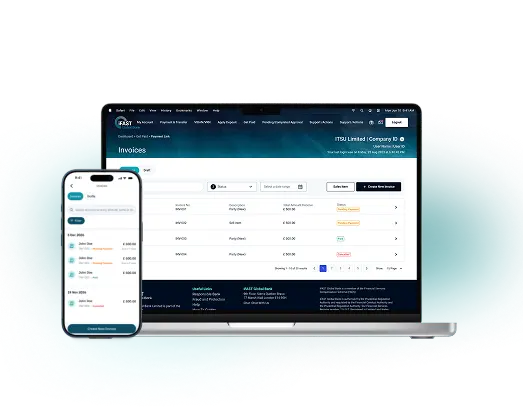
No more manual invoicing
No more costly errors
Look professional every time. Simply enter the required details, and an automated invoice will be generated for your review and sent to your customers on your behalf.
Get paid on time, every time. Create and send professional automated invoices in just a few clicks, at no additional cost.
Get started
Professional invoices, timely reminders and fewer manual follow-ups.
Look professional every time. Simply enter the required details, and an automated invoice will be generated for your review and sent to your customers on your behalf.

Stay on top of outstanding invoices with automatic tracking and payment reminders. Payment reminders are sent when invoices become overdue, helping reduce manual follow-ups.

Set up one-off or recurring invoices and let iFAST handle the rest. Consistent cash flow, less admin.
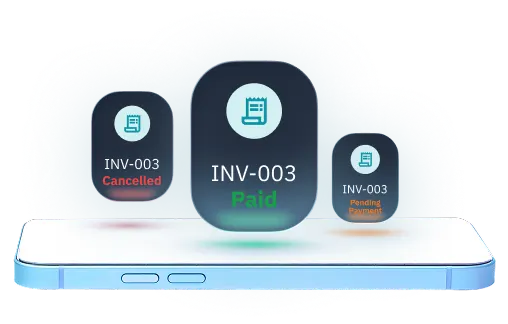
Monitor invoice statuses, keep on top of payments, and stay organised with ease.
From the home screen, navigate to the ‘Get Paid’ section.
Select ‘Invoices’, then click ‘Create Invoice’.
Add your details and choose automatic sending and payment reminders.
Review your invoice, download or share it, then start getting paid.


