Instant, around the clock
Links are live the second you create them — weekends, nights and holidays included. Repeat as many times as you need.
One link, unlimited possibilities.
Receive, track, and manage payments with ease, all in seconds.
Please note: This feature currently supports GBP only
Get started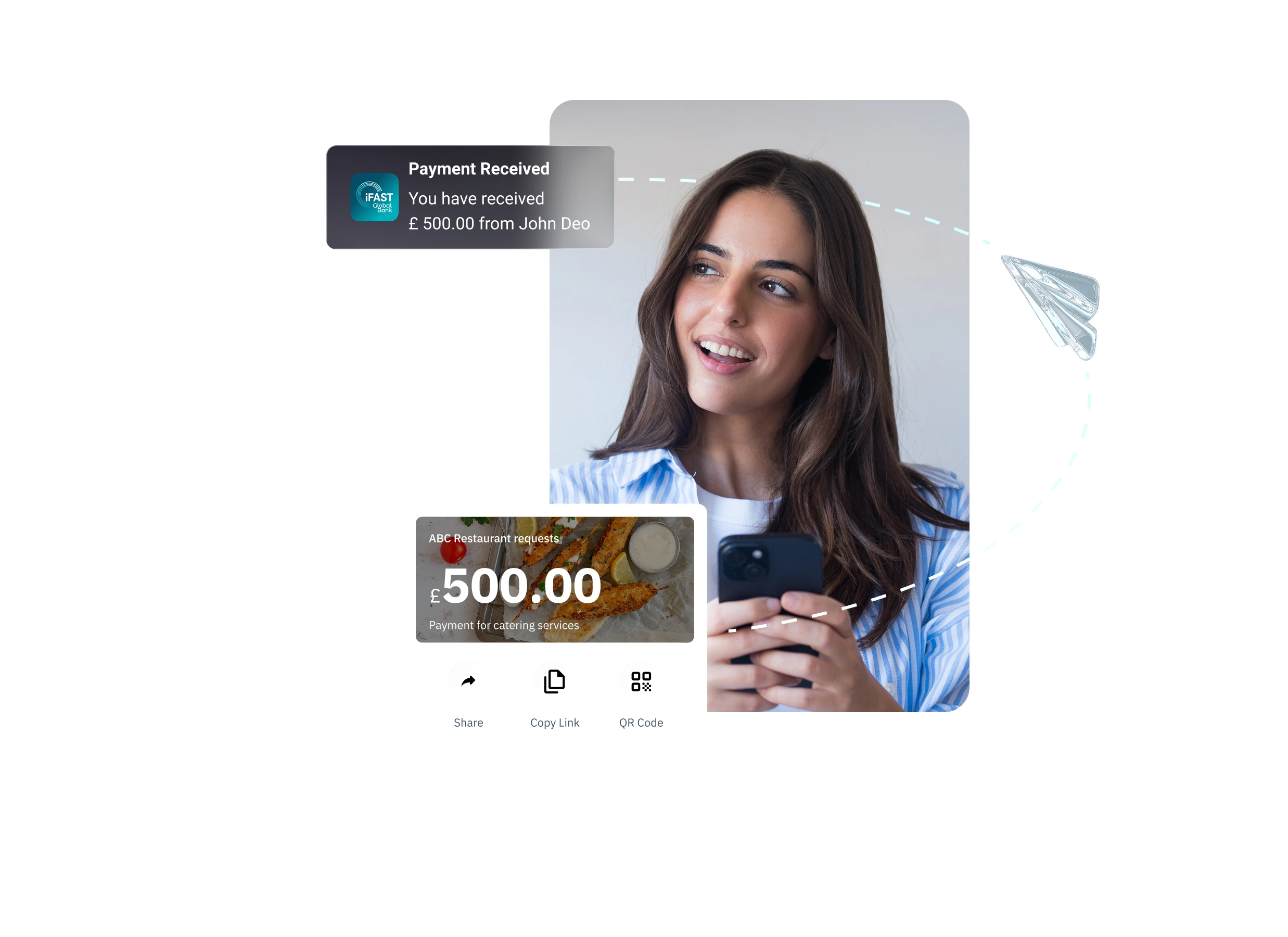
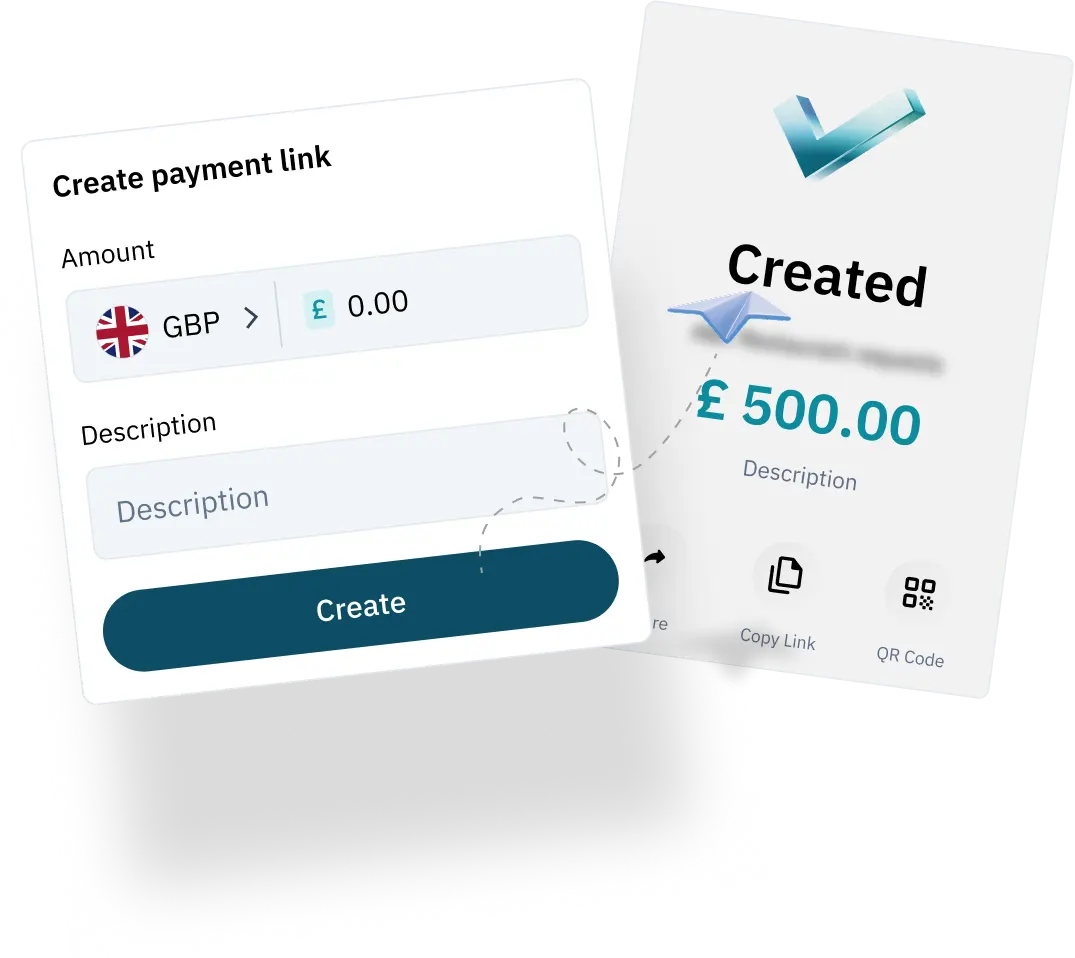
Set an amount, add a note, and share the link.
Create multiple payment links at no cost, no monthly fee.
Links are live the second you create them — weekends, nights and holidays included. Repeat as many times as you need.
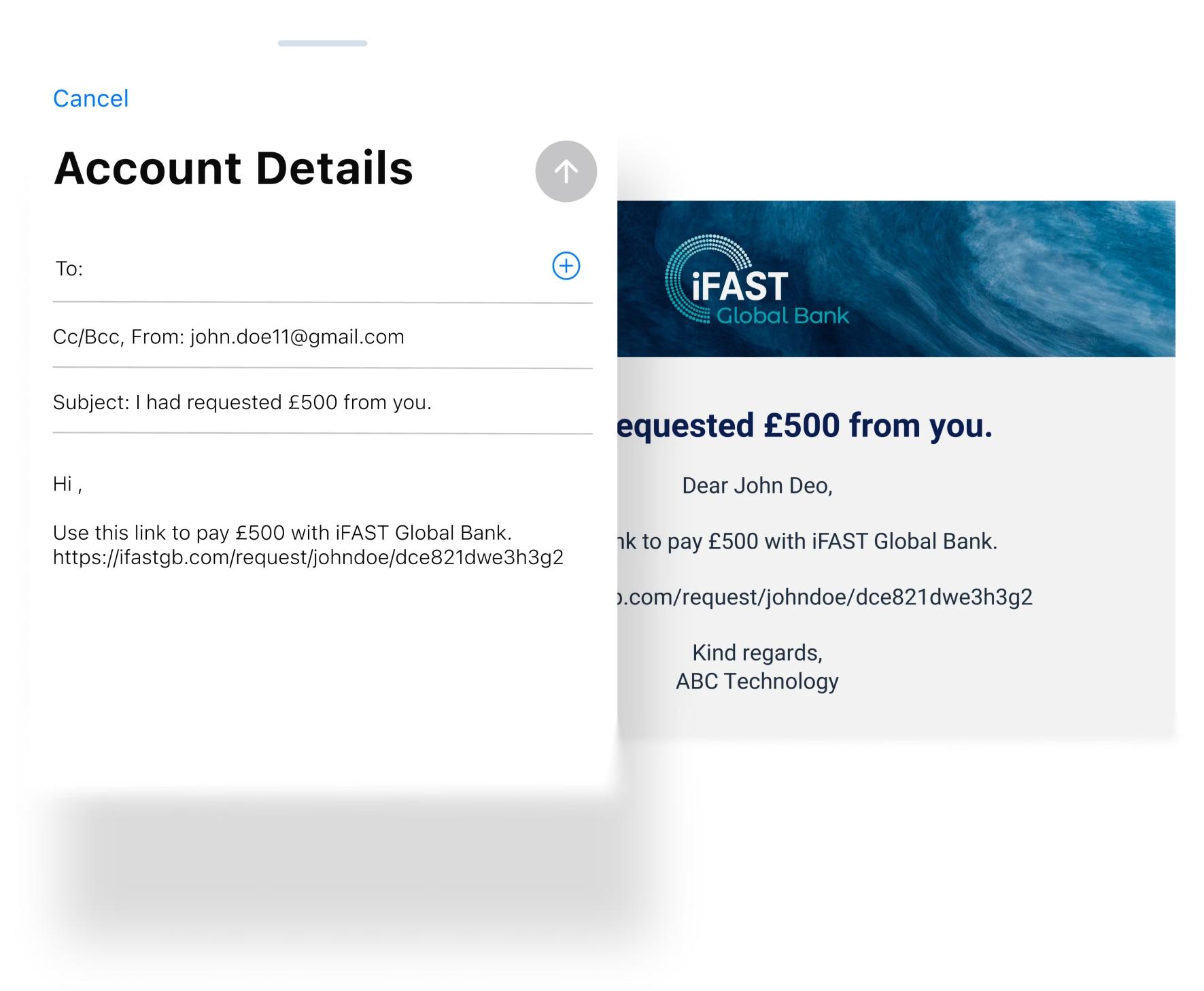
Choose to send branded notifications for every request — no manual follow-up. Tailor with your company logo or cover image so customers know exactly who's asking, what for, and how to pay.
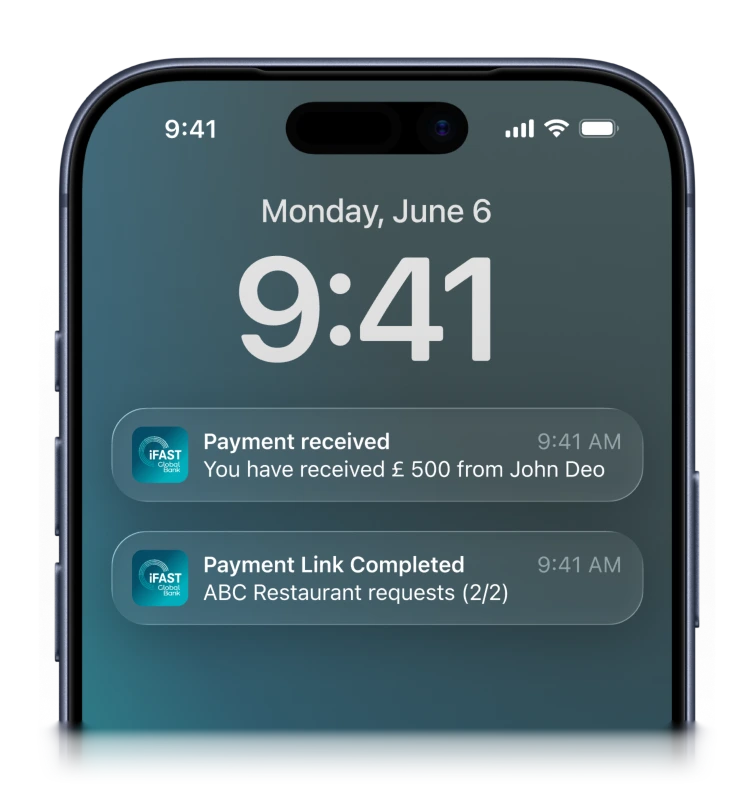
Get notified the moment a payment is received. Track every request from sent to settled, right inside iFAST dashboard.
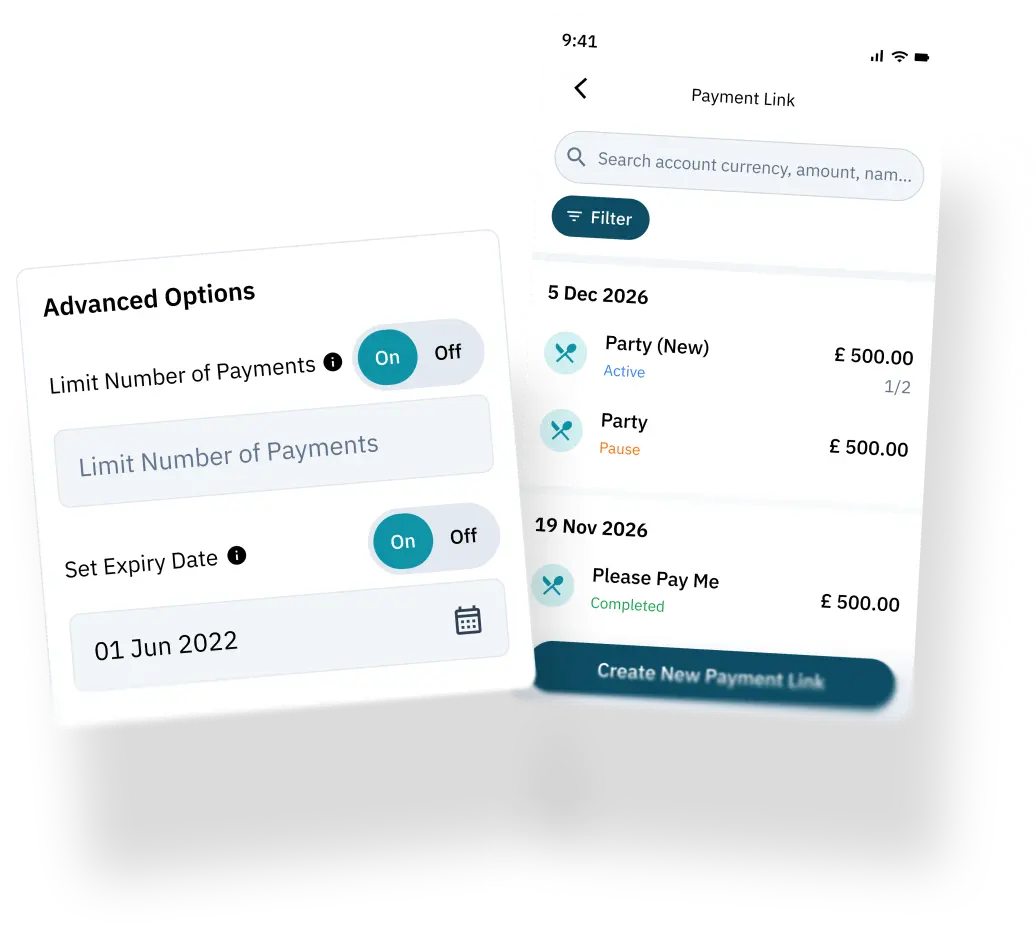
Set expiry dates. View payment history. Reuse links or create new ones for every transaction. You're always in command.
Step 1
Set your amount and select the account to receive funds. You can personalise the link or limit how many times it can be used.
Open iFAST Business account and send your first payment link in seconds
Open an account


