QR Code

Accept payments in one quick scan.

Please note: This feature currently supports GBP only

Get started
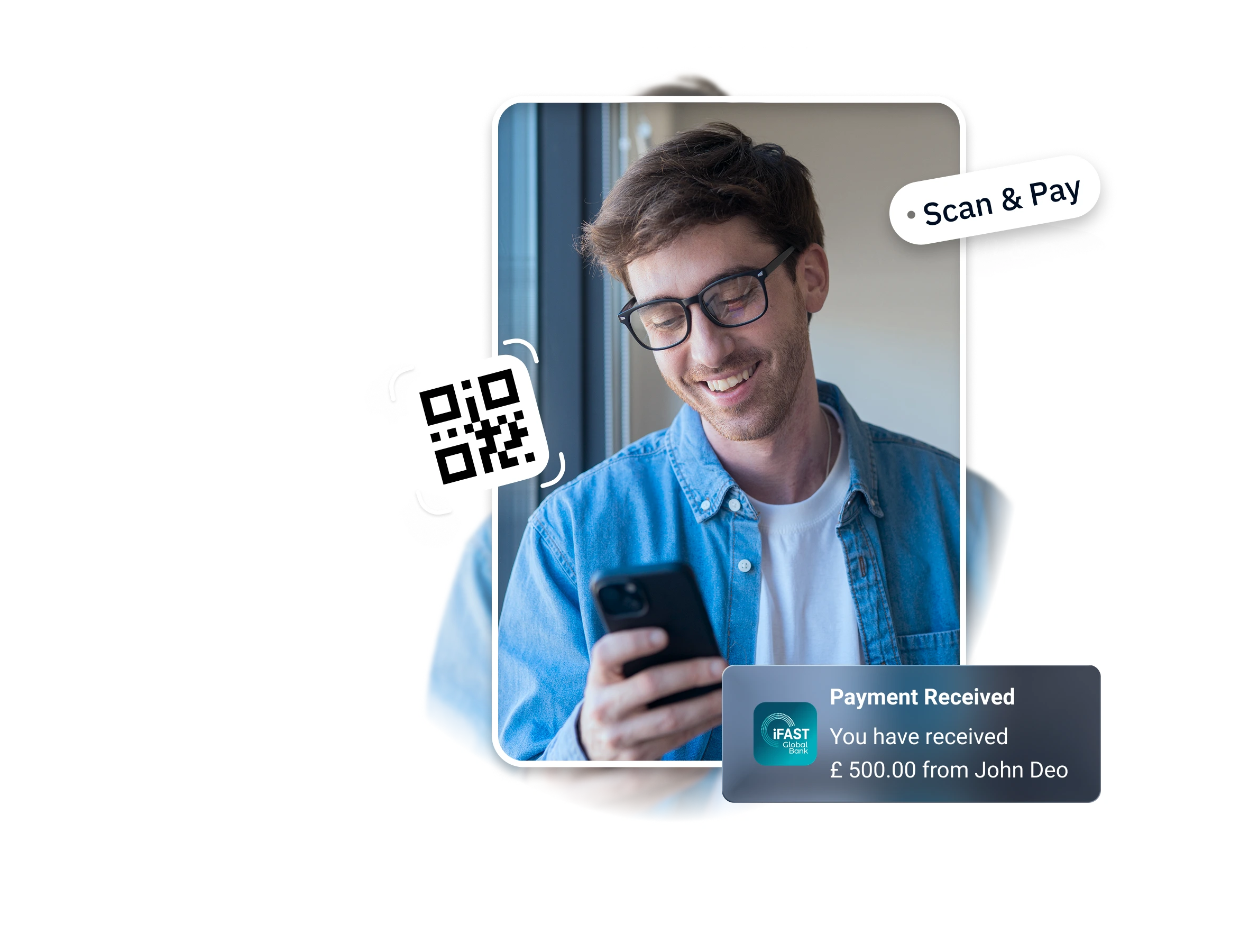
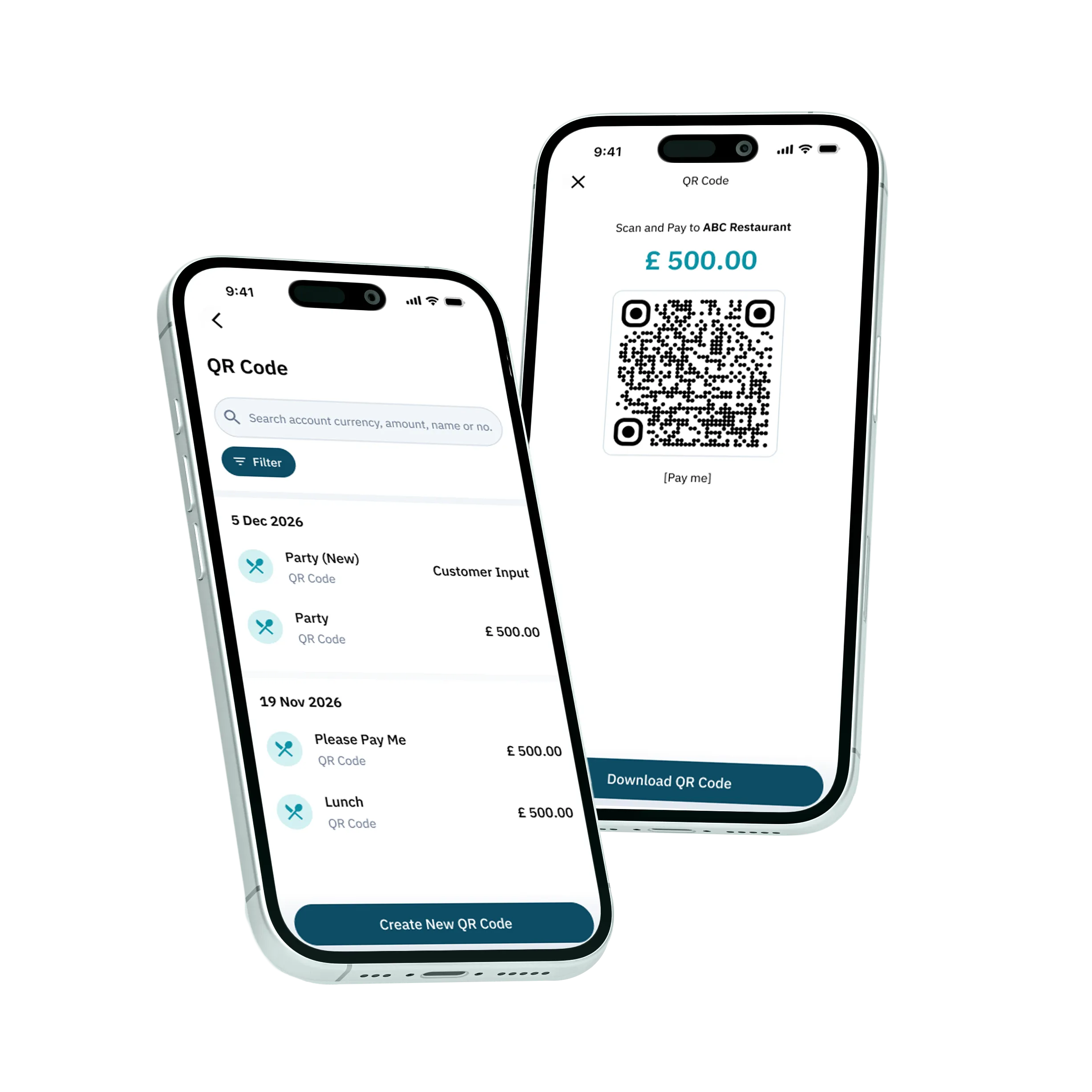
QR code payment
Customer paying with a QR code

One code.
Fast, easy, secure.

Display your QR code on your till, table, or menu. Customers scan, transfer and pay — no card machine, no typing in bank details.

Set an expiry

Time-limited codes for one-off requests.

Make it permanent

A reusable code for your shop or stall.

Start getting paid with ease today

Open iFAST Business account and create your first QR in seconds

Open an account

FAQs

The QR Code is generated from a Payment Link, allowing your customers to scan it and open the payment page instantly to make payment.
To generate a QR code for your customer, please follow the steps below:

1. Login to your account.
2. Go to 'Get Paid' and click 'Show QR Codes'.
3. Select 'Create New QR code', and simply enter the details below:
  • Receiving account
  • Payment amount (optional)
  • Payment description
4. Click ‘Create QR Code' and the QR code will be generated. 
5. Click ’Download QR Code' and image of the QR will be downloaded. You may then share it your customer to make payment,

Note: Scanning the QR code will not direct to payment authorisation. After scanning the QR code, your customer will be directed to the payment link. Then, they may choose to pay via a UK bank or click 'Account Details' to view your account details if the customer is paying from overseas.
Yes. QR Codes can be downloaded and shared digitally or printed for use in-store or at events. Customers can scan the QR Code in person using their mobile device to access the payment page.  
View More FAQ