


Let’s Connect and Personalise Your Experience!
Welcome to iFAST Global Bank! Our team is here to assist you:
Existing clients, please Login for speedy assistance.
New clients, fill out the form below so we can provide the best support.


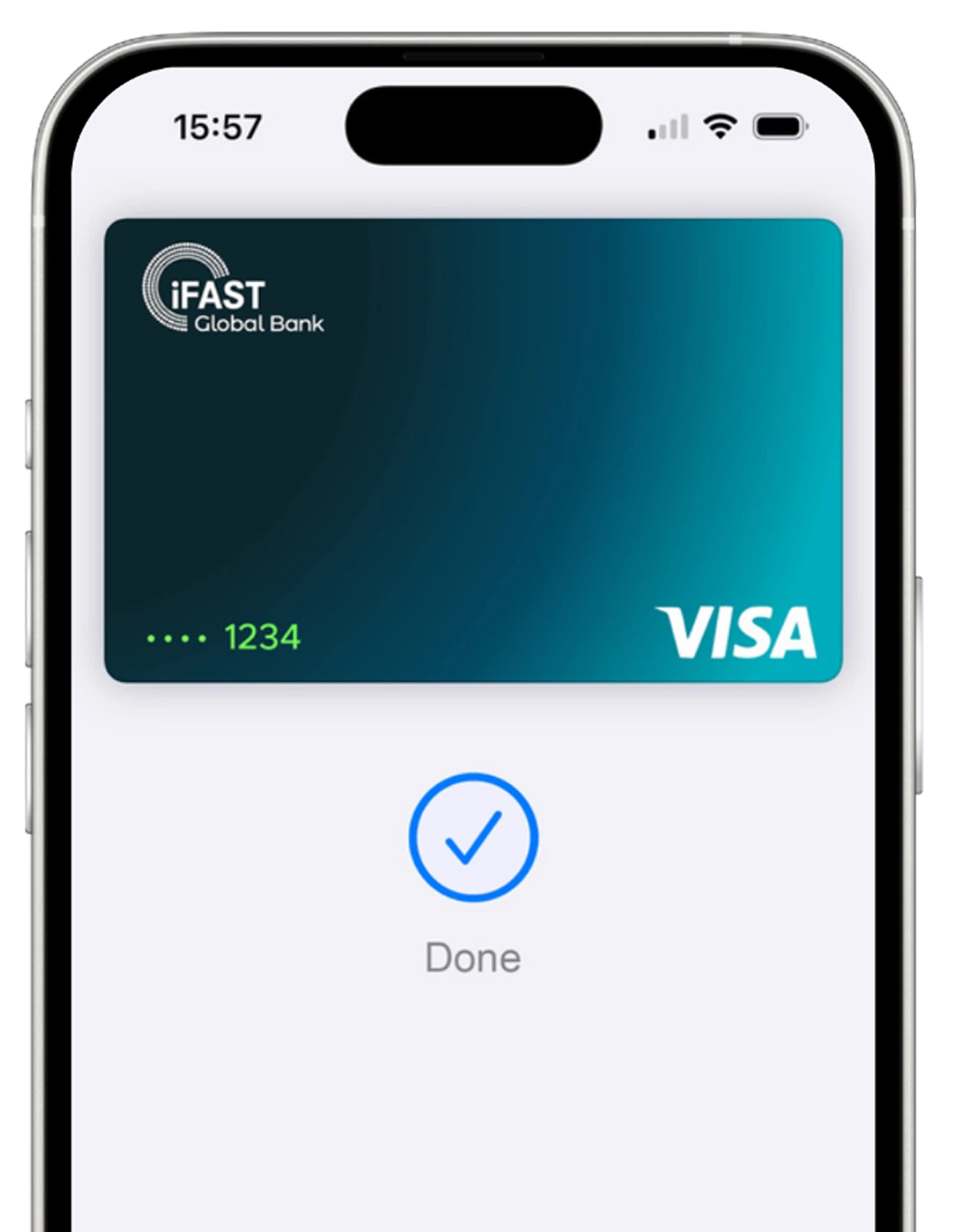
Apple Pay lets you make purchases with your iFAST card using any Apple device - just like you would with your physical card - in stores, online and in apps.
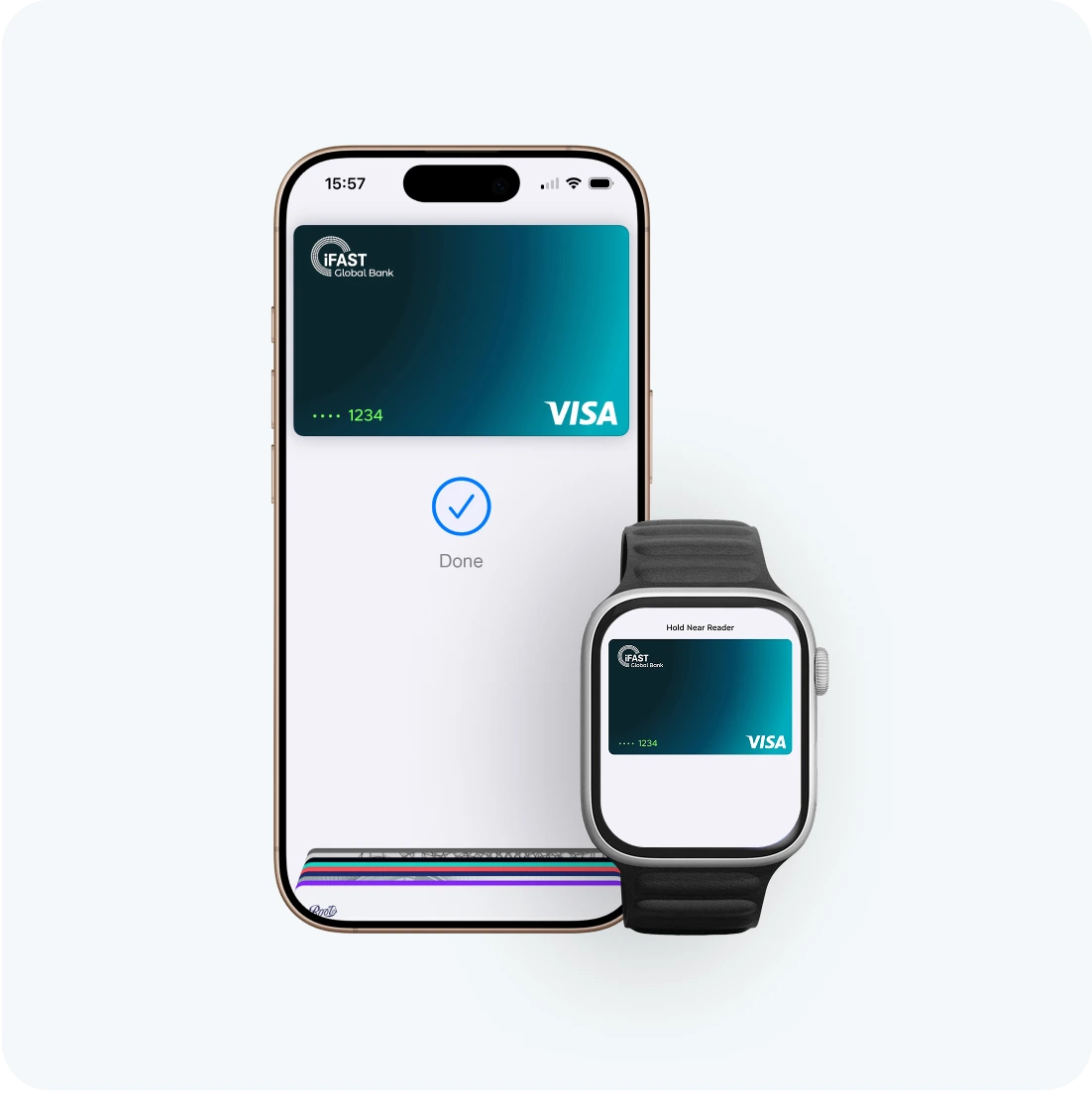

Apple Pay is built into iPhone, Apple Watch, Mac, iPad, and Apple Vision Pro. If you add your iFAST card to Apple Wallet on iPhone, you'll have the option to add it to your other Apple devices in one easy step.
 or the contactless payment symbol at checkout and pay with your iFAST card. To check out with Apple Pay if you're on a computer but not using Safari or a Mac, click the button and scan the code that appears onscreen with your iPhone.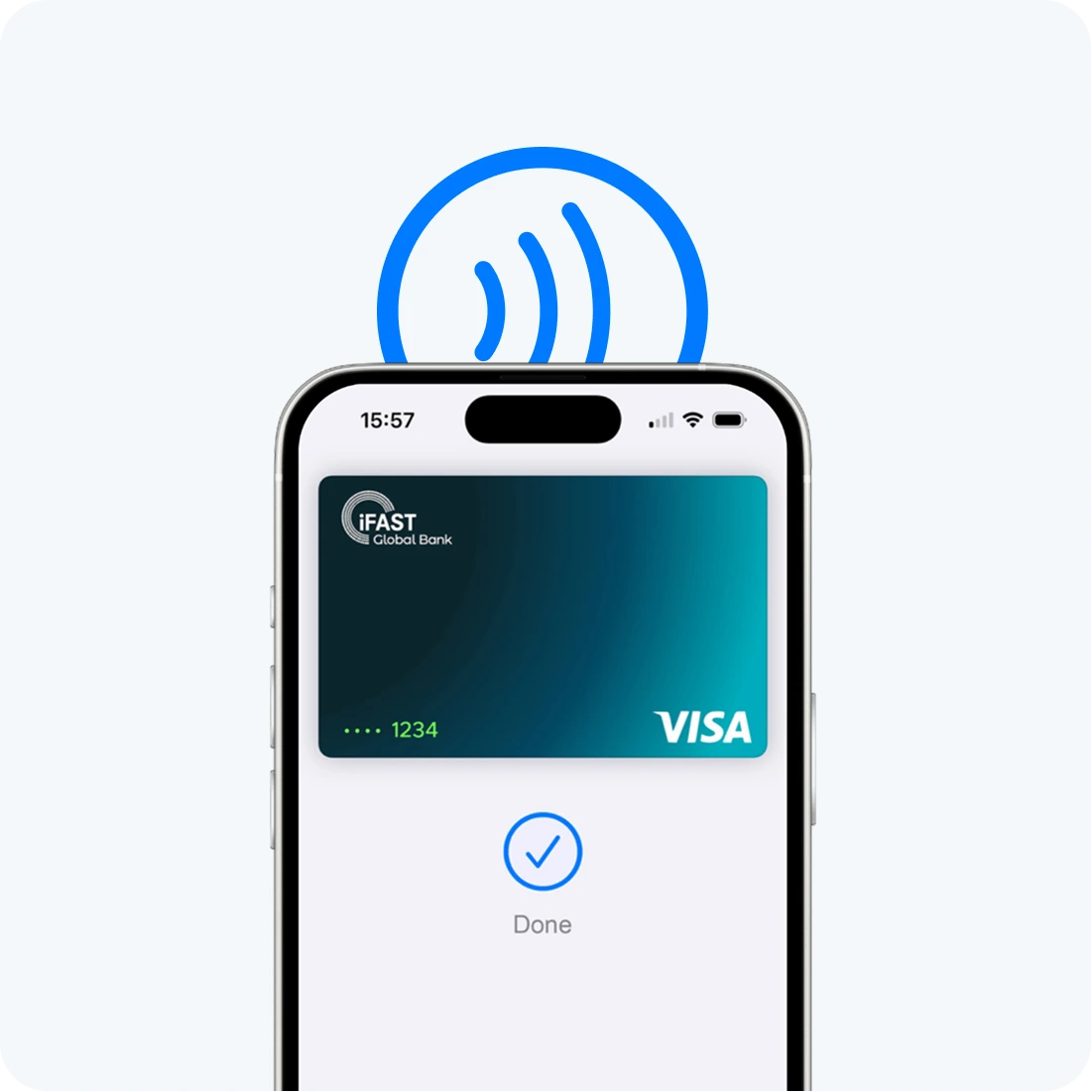
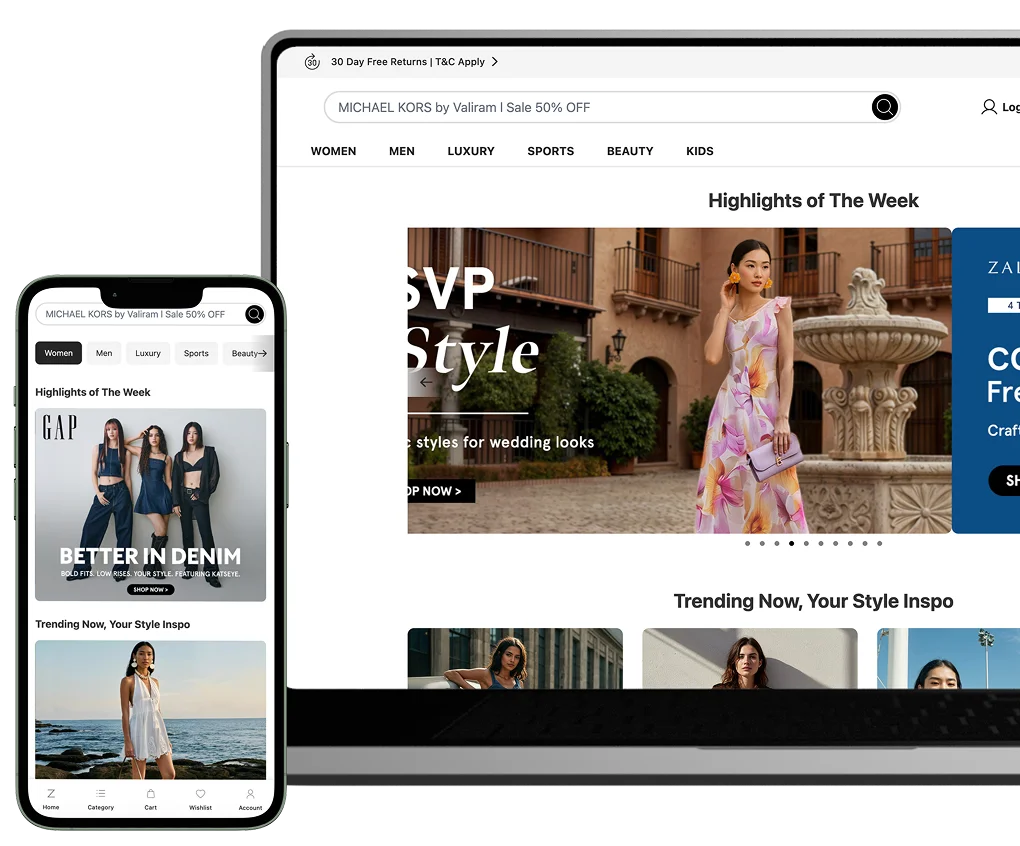

Apple Pay lets you skip entering your address or CVC code at checkout - so you can pay with your iFAST card with a simple glance or touch.

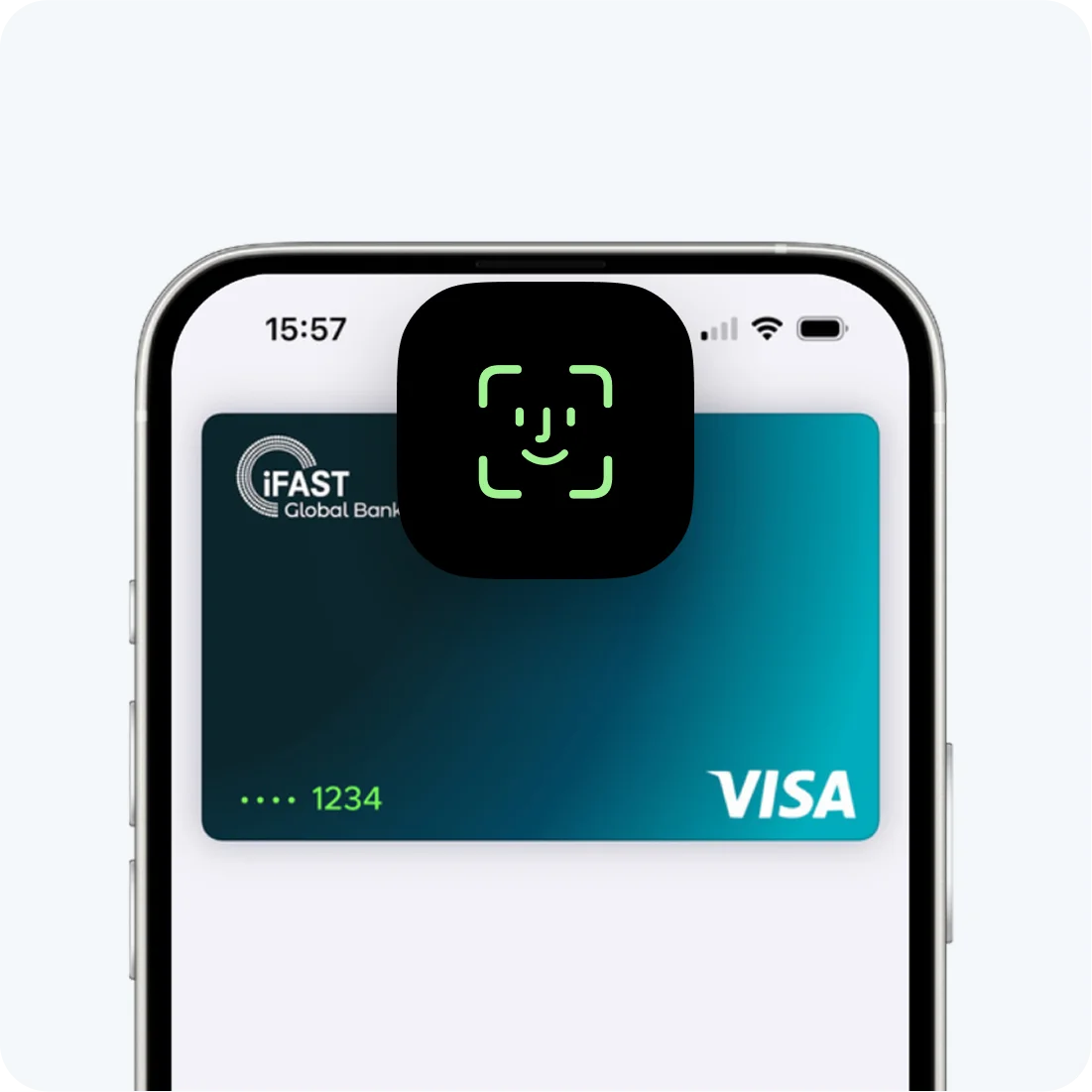
Every Apple Pay transaction requires authentication through your device’s built-in security features - including Face ID, Touch ID, and your passcode. Your debit card number is never shared with merchants or stored on Apple servers. And if you misplace your iPhone you can quickly mark it as lost on Find My to suspend your iFAST card.



When you use your iFAST card with Apple Pay, you'll get the benefits and rewards you love - just like you would with your physical card. 11 currencies, 1 account. Spend anytime, straight from your balance.

