Let’s Connect and Personalise Your Experience!
Welcome to iFAST Global Bank! Our team is here to assist you:
Existing clients, please Login for speedy assistance.
New clients, fill out the form below so we can provide the best support.


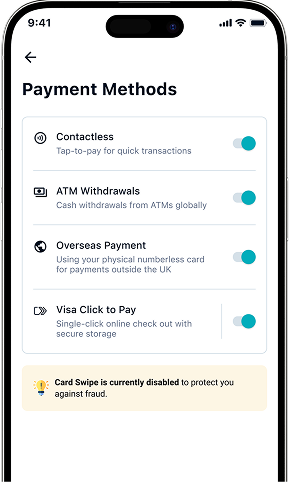
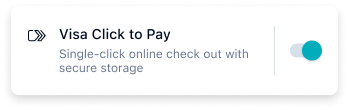
From the iFAST Global Bank app, you can activate Visa Click to Pay in your debit card settings to enable simple and secure online checkout.
Once your debit card has Click to Pay enabled in the app, you can easily pay whenever you spot the Click to Pay icon at supported online checkouts.
When you spot the Click to Pay icon that accepts Visa, you can avoid guest checkout, skip filling out forms, and forget the stress of remembering passwords.

Easy
Look for the Click to Pay icon and skip entering card numbers or passwords. Save time with "remember me" on your trusted devices.

Consistent
Click to Pay works smoothly across all devices, giving you the same simple checkout experience anywhere you shop

Secure
Visa uses advanced technology and multiple layers of security to protect your card from unauthorized use.
Activate your iFAST Multi-Currency Debit Card with Visa Click to Pay Now.